Why do customers hesitate before clicking “buy”? Have you ever looked at your store analytics and wondered what went wrong? The traffic is there. The products are decent. Prices seem competitive. Yet people leave. They scroll. They pause. And they hover. Then they’re gone.
Most store owners assume it’s about trust, or pricing, or marketing. Sometimes it is. But very often, the issue is much simpler. Customers can’t see the product clearly enough. And when people can’t know, they don’t buy. Simple as that.
Online shopping removes touch. It removes weight. It removes feel. All that remains is vision. If your product images don’t answer questions instantly, doubt creeps in. Quietly. Then it wins. That’s where Hover Zoom changes the story.
Role of Product Images in Online Shopping
Product images are not decoration. They are salespeople. Before a customer reads a single word of your description, they’ve already judged the product. Images do that. Fast. Ruthlessly.
Think about how people shop online. They scan. They don’t study. And they glance at images, make a snap judgment, and decide whether the product deserves more attention. If the picture looks unclear, small, or unconvincing, that decision happens immediately.
And it’s usually a no. Good images slow people down. They make them look twice. Great images invite interaction. That moment of interaction matters more than most realize.
Images Are the First Impression
First impressions happen in seconds. Sometimes less. A clean, sharp image signals professionalism. Care. Quality. It tells the customer, “This product is worth your time.” Even before they know what it costs.
But when images are flat or blurry, the message flips. It says uncertainty. It says risk. And no amount of clever copy can fix that. People don’t always know why they don’t trust a product. They feel it. Images create that feeling.
Visual Confidence Equals Buying Confidence
Confidence online is fragile. One unanswered question can break it. Hover Zoom helps answer questions before they’re asked. What does the texture look like? Is the stitching neat? Is the surface smooth or rough? Zoom shows. Instantly. When shoppers see details clearly, they relax. They lean in. They imagine owning the product. That’s when buying decisions begin to feel safe.
What is Hover Zoom and How Does It Work?
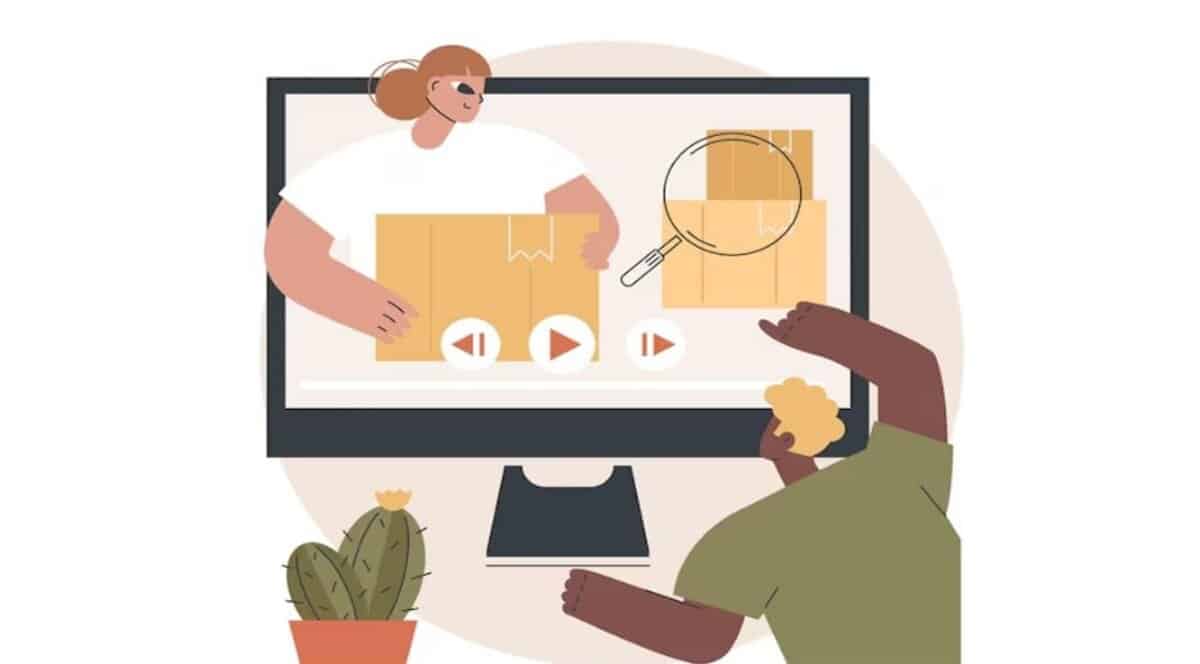
Hover Zoom does one thing very well. It brings the product closer. As users move their cursor over an image, details appear larger. Clearer. No clicking. No waiting. Just movement and response. It’s subtle. But powerful.
Instead of forcing users to open new tabs or click through galleries endlessly, Hover Zoom keeps them right where they are. Focused. Engaged. That flow matters more than you think.
Understanding Hover Zoom Functionality
Hover zoom isn’t about flashy effects. It’s about control. Customers control what they see, but where do they look? How closely they inspect. That sense of control builds trust because no one feels pressured.
Some zoom styles use lenses. Others open a separate Zoom window. Some expand images softly within the same frame. Different stores. Different needs. But the goal stays the same. Show more. Without making it complicated.
Why Hover Zoom Feels Natural to Users
People already hover. It’s instinctive. They move their mouse toward things they’re curious about. Hover Zoom rewards that curiosity. No instructions needed. No learning curves. That’s why it works so well. It feels like it belongs there. When features feel invisible, users stay longer.
Why Image Clarity Matters More Than Ever
Online shoppers today are sharper. Less patient. More demanding. They’ve seen what great product pages look like. Big brands trained them. Marketplaces set expectations. Clarity is no longer a bonus. It’s assumed. If your images don’t meet that expectation, your product feels behind. Even if it’s excellent, that’s a hard truth. But it’s real.
Rise of Detail-Oriented Shoppers
People zoom in because they care. Or because they’re unsure. Either way, clarity decides the outcome. A customer looking closely is already halfway convinced. They need reassurance. Hover zoom gives it to them. Without it, they leave to find a store that does.
Reducing Returns and Refunds
Returns hurt. Everyone knows that. Many returns happen because the product “wasn’t what I expected.” That expectation gap usually starts with images. When customers can see fine details upfront, surprises disappear. Fewer misunderstandings. Fewer complaints. Clear images protect your margins quietly.
Hover Zoom as a Conversion Optimization Tool
Conversion optimization doesn’t always mean big redesigns. Sometimes it’s a small interaction. A hover. A pause. A moment of clarity. Hover zoom increases engagement. People stay longer on pages. They explore more images. They pay attention. And attention converts.
Turning Browsers into Buyers
Browsers hesitate. Buyers commit. The difference is confidence. Hover zoom nudges people forward by removing doubt. Not aggressively. Just enough. One clear detail can flip a decision. That’s not theory. That’s behavior.
Enhancing Product Storytelling
Every product has a story. Materials. Craftsmanship. Design choices. Hover Zoom lets those details speak visually. Without words. A close-up of fabric texture. A polished edge. A subtle finish. These details say more than paragraphs of text ever could. Stories don’t need explaining when people can see them. To make sure these visual stories are also accessible to search engines and screen readers, you should learn how to write descriptive alt text for your images so your craftsmanship is “seen” by everyone.
Improving User Experience Without Slowing Down the Site
There’s always a fear. “Will this slow my site?” It doesn’t have to. Well-implemented Zoom features are lightweight. Optimized. Invisible to performance metrics when done right. The trick is balance. High-quality images, properly compressed. Clean scripts. No excess. Speed and clarity can coexist. You can maintain this balance by following a simple guide to PNG compression, ensuring your high-res details don’t come at the cost of loading times.
Performance Matters
A slow site kills trust faster than bad images. Hover zoom should feel instant. No lag. No delay. If users notice loading, something’s wrong. When Zoom feels smooth, it feels premium. That impression sticks.
Seamless Integration with Product Galleries
Zoom shouldn’t fight your gallery. It should work with it. Customers click through images naturally. Zoom should follow them, not reset or break. Consistency is comfort. Comfort sells.
Building Trust Through Visual Transparency
Trust isn’t built by promises. It’s built on proof. Clear images are proof. When you allow customers to inspect details freely, you’re saying, “There’s nothing to hide.” That message matters more than most marketing slogans. Transparency feels honest. Honesty sells.
Showing Details Builds Credibility
Close-ups reveal flaws, too. And that’s okay. Perfect-looking products often feel suspicious. Real details feel real. Customers appreciate honesty more than perfection.
Supporting Customer Decision-Making
Hover zoom reduces questions. Fewer emails. Fewer chats. Customers answer their own doubts visually. That independence feels empowering. And empowered customers buy with confidence.
Hover Zoom in Competitive eCommerce Niches.
Competition is brutal, especially in saturated markets. When products are similar, experience becomes the differentiator. Clear images can tip the scale when prices and features don’t.
Standing Out in Crowded Markets
You don’t need to be the biggest brand. You need to feel trustworthy. Hover Zoom helps smaller stores punch above their weight. It signals seriousness. Attention to detail. That perception opens doors.
Matching Customer Expectations
Customers expect to Zoom. They don’t consciously think about it. They notice when they can’t. Using WooCommerce Image Zoom aligns your store with modern eCommerce norms. Quietly. Effectively. Meeting expectations is half the battle.
Mobile Considerations for Image Zoom
Mobile shoppers still want clarity. Maybe even more. They pinch. They tap. And they expect images to respond. Zoom behavior changes on mobile, but the goal doesn’t. Show details clearly.
Adapting Zoom for Touch Devices
Touch-based zoom replaces hover. Tap-based magnification. Fullscreen previews. When done right, mobile zoom feels natural. When done wrong, it feels broken. Consistency matters here, too.
Maintaining Consistency Across Devices
A customer may browse on mobile and buy on desktop. Or the other way around. The experience should feel familiar to both. Same clarity. Same confidence. That continuity builds trust across sessions.
Conclusion
Online, clarity replaces touch. Hover zoom restores what distance takes away. It gives customers confidence when they need it most. When shoppers can see details clearly, hesitation fades. Decisions feel easier. Trust feels earned. In a crowded digital marketplace, clarity isn’t optional anymore. It’s expected. And stores that deliver it don’t just look better. They sell better.
For more guides on how to improve your images and documents, follow us on Facebook, X (Twitter), or LinkedIn.