
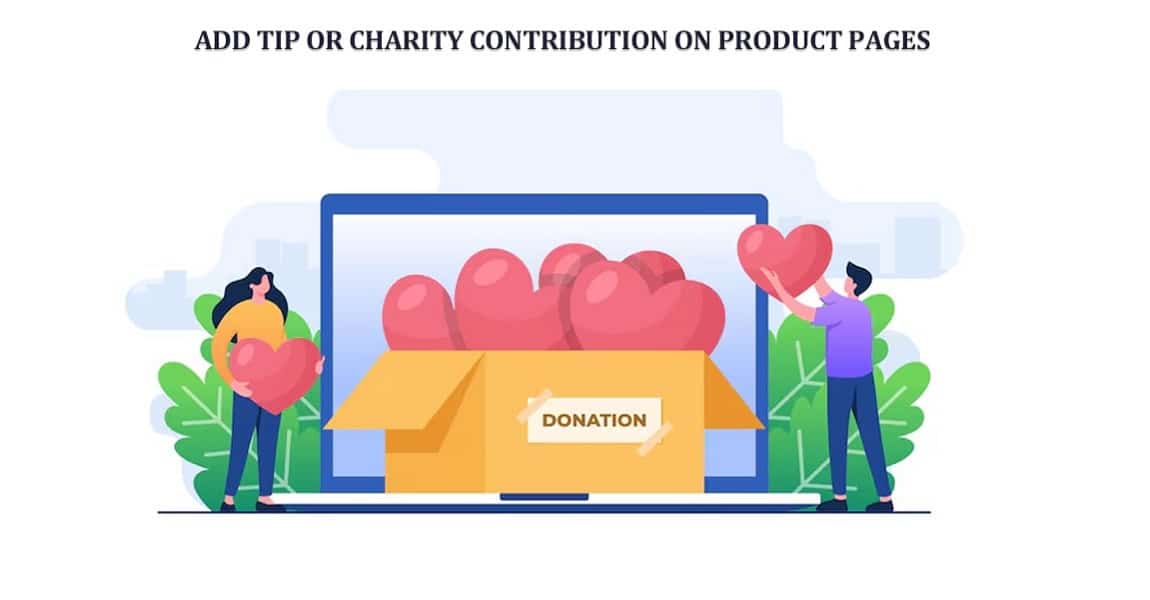
Have you ever wondered why some online stores feel more human than others? Like, you buy something, and suddenly you’re also helping someone. That small moment, it sticks. Customers remember it. And honestly, it changes how they see your brand.
Today, people don’t just shop. They look for meaning. A purpose. Something beyond the product itself. That’s where the idea of adding tips or charity contributions comes in. Simple feature. Big emotional impact. And with tools like WooCommerce Donation, it becomes surprisingly easy to implement without breaking your workflow.
Think about it. A customer is already on your product page. They like your product. They trust you enough to buy. Now imagine giving them one more option: “Would you like to support something meaningful?” It’s soft. Not pushy. But powerful. And yes, many will say yes.
This article walks you through that idea. Not just how to do it. But why does it work? And how to make it feel natural, not forced.
Why Add Tips or Charity Contributions to Product Pages?
Let’s be honest. People like to give. But only when it feels right. Timing matters. Context matters. And your product page? That’s the perfect moment. Someone buys a handmade product from your store. They already appreciate the effort. Now they see a small option, “Add a $2 tip to support our work.” It feels personal. Almost like leaving a tip at a café. And the benefits? They stack up quietly:
- Customers feel involved
- Your brand feels more real
- Small amounts add up fast
There’s also this emotional layer. Hard to measure, but very real. When customers contribute even a little, they feel connected. Not just buyers anymore. Something more. And for charities or causes? It’s even stronger. You’re not just selling. You’re enabling impact. That matters.
Understanding the WooCommerce Donation Concept
Now let’s simplify things. No tech jargon. Just the idea. With WooCommerce Donation, donations are treated like products. That’s it. Clean and simple. A customer adds a donation the same way they add a product:
- Click
- Add to cart
- Checkout
No confusion. No extra steps. There are usually two styles:
- Fixed amount → like $5, $10, $20
- Open amount → user decides
And here’s the interesting part. Open amounts often perform better. Why? Because people like control. They choose what feels right. But fixed options? They remove thinking. Quick decisions. Fast clicks. Both work. Just depends on your audience.
Ways to Add Tips or Contributions on Product Pages
This is where things get practical. And a bit creative too.
- Fixed Tip Options
Simple. Clean. No thinking required. You offer something like:
- $1 tip
- $3 support
- $10 contribution
Customers pick one. Done. It works best when people are in a hurry. Or when decisions need to be made quickly.
- Open Contribution Field
Now this feels different. More personal. The customer sees a field. They type any amount. $2. $50. You never know. Sometimes, they surprise you. And yes, this method often brings higher contributions. Not always. But often enough.
- Suggested Donation Amounts
This one is subtle. Very subtle. You don’t force anything. You suggest:
- “Support us with $5.”
- “Help us grow with $10.”
It guides the user. Gently. And people usually follow suggestions. Not because they have to. But because it removes uncertainty.
Key Features to Include
Now, not all setups work well. Some feel messy. Others feel smooth. The difference? Features.
Minimum and Maximum Limits
You don’t want someone donating $0.01. Or accidentally entering $10,000. So, you set limits.
- Minimum → keeps it meaningful
- Maximum → avoids errors
Simple protection. But important.
Custom Fields
This is where things get human. Let users add:
- Their name
- A short message
And suddenly it’s not just money. It’s emotion.
“Keep up the good work.”
“Love your products.”
Small messages. Big impact.
Clear Labels and Messaging
Words matter a lot. Don’t say: “Add extra charge.” That sounds… wrong. Say instead:
- “Add a tip.”
- “Support our mission.”
Feels better. Sounds better. Converts better.
Benefits of Adding Contribution Options
Now let’s talk outcomes because this isn’t just about feeling good. It actually works.
- Builds Brand Trust
Transparency builds trust. Always. When customers know where their money goes, they relax. They believe in you. And trust? It leads to repeat customers.
- Enhances Customer Experience
Shopping becomes more than a transaction. It becomes a moment—a choice. And people remember moments. Not just products.
- Strengthens Community Impact
Here’s the real magic. One person gives $2. Another gives $5. Hundreds do the same. Suddenly, it’s something big. And you made it possible.
Best Practices for Implementation
Not everything works the first time. You tweak. Adjust. Improve.
Keep It Optional
Never force it. Ever. If customers feel pressured, they back off.
Optional = safe. Comfortable.
Position Strategically
Placement matters more than you think. Good spots:
- Near “Add to Cart”
- Before checkout
Bad spots? Hidden areas. No one sees them.
Use Emotional Appeal
Facts don’t move people. Stories do. Instead of saying: “Donate $5.” Try: “Your $5 helps someone today”. See the difference?
Common Use Cases
This feature isn’t limited. It fits almost anywhere.
- Charity Campaigns
Perfect for causes. Obvious fit. Customers love contributing when they see purpose.
- Creator Support
Small businesses. Artists. Writers. Tips feel natural here, like appreciation.
- Seasonal Fundraising
Holidays. Emergencies. Special events. People are more willing to give during these times. It’s just how we are.
Challenges and How to Overcome Them
Let’s be real. Not everything goes smoothly.
Low Participation Rates
Sometimes people skip it. Fix it by:
- Better messaging
- Clear suggestions
Customer Skepticism
People question things. It’s normal. Be transparent. Show where money goes. Even small updates help.
Overcomplicating the Process
Too many steps? People leave. Keep it simple. Always.
Optimizing for Better Results
Now comes refinement. Small changes. Big differences.
A/B Testing
Try different versions:
- Button text
- Placement
- Amount suggestions
You’ll be surprised what works.
Mobile Optimization
Most users are on phones. If your donation field looks weird on mobile, you lose them.
Analytics Tracking
Numbers tell stories. Track:
- How many people donate
- Average amount
- Conversion rate
Then adjust. Repeat.
Integrating WooCommerce Donation into Your Strategy
WooCommerce Donation isn’t just a feature. It becomes part of your brand voice. It says something about you. Quietly. That you care. That you’re doing more than selling. And customers notice. Even if they don’t say it. Over time, this builds something stronger than sales. It builds loyalty. And loyalty? That’s what keeps businesses alive.
Conclusion
What happens when you add a simple tip or donation option to your product pages? Not much, at first glance. Just a small button. A tiny field. Easy to ignore.
But look closer. It changes things. Slowly. Quietly. Customers start engaging differently. They feel part of something. Not just buyers anymore.
With WooCommerce Donation, setting this up doesn’t require complex systems or heavy development. It’s simple. Almost too simple. But that’s the beauty of it.
And in the end, it’s not about the amount collected. Not really. It’s about the connection you create. The message you send. That your store stands for something. And that people remember.
Top Tools Offering Advanced Real-Time Threat Detection in 2026
What Does Wi-Fi Actually Mean? The Surprising Truth and How It Works