
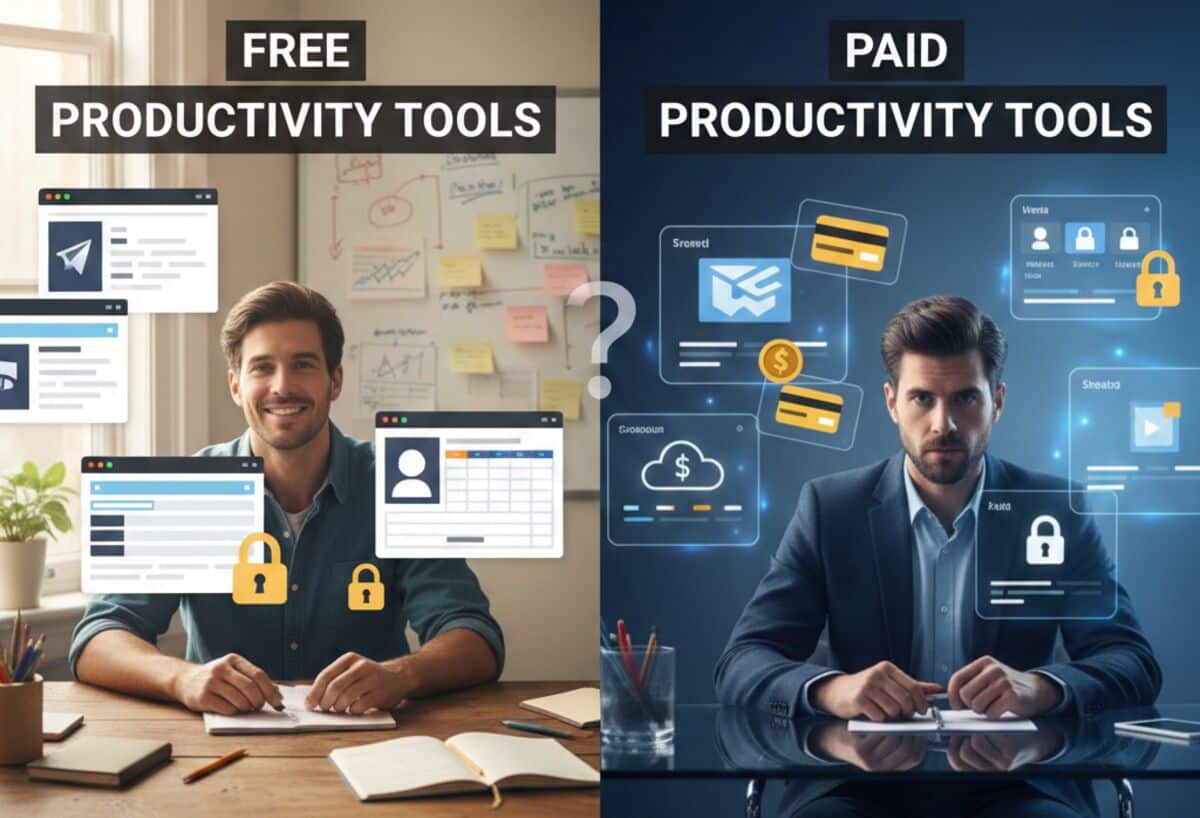
The importance of productivity tools have evolved from being mere options to necessities in the fast-moving digital environment of today. The right tools can definitely make you work more efficiently, whether you are project managing, scheduling, writing documents, analyzing data, or collaborating with a remote team.
Yet, a common question is whether free productivity tools are good enough or if it is better to go with premium ones.
The response is not simple. That really depends on your job, your objectives, your finances, and the extent to which you consider a tool valuable.
With this guide, you will have all the details—features, benefits, limitations to determine whether free or paid productivity tools make sense for your time.
Free vs Paid Productivity Tools: What are the Differences?
Before comparing, it’s important to understand how these categories differ:
Free Productivity Tools
At zero price, these tools come with basic functions that are essential. A lot of them are in the cloud, are user-friendly, and can be utilized for daily activities. To name a few, they are Google Docs, Trello’s free plan, Notion Free, Slack Free, and Microsoft OneNote.
Paid Productivity Tools
Paid tools (or paid versions of free tools) usually offer advanced capabilities specifically for experts, groups, and companies that need the maximum possible customization, automation, and scalability. Some of the most significant ones are Microsoft 365, Notion Plus, Trello Premium, Asana, and ClickUp.
The real issue arises: Are the extra features of paid options worth the expense?
The Benefits of Paid Productivity Tools
Paid productivity solutions usually offer more features and are more customized to the specific needs of the users. Customer support, security features, and technologies such as data science and workflow automation are among the categories that paid productivity solutions operate in.
One of these services is the Microsoft 365 subscription that, in addition, grants the use of Word, Excel, PowerPoint, and Teams etc. These tools provide capabilities such as live team collaboration and compatibility with different platforms. Another very popular paid tool is Asana Premium, which offers basically all the features of the free version and more sophisticated project management tools, including timelines and custom fields.
One of the most valuable aspects of these tools is their reliability. The companies that sell these products place a great deal of emphasis on software enhancements and customer service. As a result, productivity-destroying problems are less likely to occur.
The subscription services frequently offer a variety of solutions to accommodate your individual or business needs. If you are managing a small team but intend to grow, a subscription service tends to be not only flexible but also affordable.
Understanding Free Productivity Tools
Basic productivity tools are generally available and free. These apps employ targeted content or limited features to encourage premium subscriptions. Trello, Slack, and Google Drive are popular cloud storage, task management, and team communication tools.
Free tools are best for cost-effectiveness. No initial investment makes them appealing to individuals or small teams with limited resources. They also need less setup, so that you may use them right away.
Limitations are inherent in any free tool. Most of the time, these tools lack advanced features, such as integration with other programs, a wide range of personalization options, or high-quality customer service. Although the free version of Trello offers basic task management skills, the paid version is required to access all of Trello’s automation features.
Storage or use limits are sometimes included with free programs as well. The free 15 GB of storage on Google Drive can fill up quickly when dealing with big files. You will have to remove files or subscribe to a premium plan if you reach the limit.
The Advantages of Free Productivity Tools
There is a logic behind why free tools remain quite popular. Particularly for people and newcomers, they are easy to use, simple to understand, and sometimes unexpectedly effective.
- Zero Cost, Zero Risk
The most apparent benefit is that you do not have to pay any money. This makes free products suitable for students, new freelancers, small teams investigating processes, and personal usage.
There is no financial pressure, allowing you to explore and find what works best for you.
- Easy to Access and Use
Generally, free versions are created with the user in mind, hence they are simple and offer features like quick sign-up, cloud storage, mobile/desktop apps, and basic collaboration. If your requirement is just a simple tool for task management or note-taking, then a free plan will usually suffice.
- Ideal for Light to Moderate Workloads
Most of the fundamental aspects have been taken care of by a multitude of free tools already: producing files with Google Docs or OneNote, handling tasks through Todoist Free or TickTick Free, organizing straightforward project boards with Trello Free, and even enabling elementary team communication via Slack’s free plan.
But in case you are a light worker, the feature sets of the paid versions may not be necessary for you. In the case of simple task organization or note-taking, the majority of free plans offer sufficient functionality to keep you productive.
- Good for Solo Users
Many professionals believe that the free versions are sufficient for their personal productivity, especially because most of the expensive features are intended for teams.
The Limitations of Free Productivity Tools
Of course, free tools come with trade-offs. These limitations don’t matter to everyone, but they can become a barrier as your needs grow.
- Limited Storage and Workspaces
Most free plans have storage limitations, restricted workspaces or boards, and a few automations. These restrictions are manageable initially, but as your files and projects get bigger, you will very soon find that you have been limited.
- Missing Advanced Features
Sometimes, basic versions do not have the essential features such as advanced permissions, collaboration controls, app integrations, AI tools, file version history, and shared team dashboards. In case you require efficient, automated workflows, these restrictions may make free tools seem too simple.
- Usage Caps
Some free plans put limitations on your tasks, projects, collaborators, API usage, and file uploads. At the beginning, these limits may appear to be okay, but they become very restrictive quite fast as your volume of work increases.
- Fewer Security and Backup Features
Free tools are generally devoid of advanced encryption, admin controls, data loss prevention, and enterprise-grade compliance features; thus, they are considered risky for those businesses that handle sensitive information.
Why Paid Productivity Tools Can Be Worth It
Free tools have their perks, but paid products have more features, more options for customization, and generally more value in the long run. Departments may employ these methods to mechanize their operations, which will lessen the need for expensive manual labor, and at the same time, they will be able to keep their advance at a higher speed.
- Professional-Grade Features
Paid subscriptions usually open the door to unrestricted projects or files, AI writing and planning, process automation, premium templates, change history, and sophisticated collaboration features—capabilities that give considerable time saving and almost eliminate the possibility of human mistakes.
- Better Team Collaboration
Enterprises invest in instruments since they offer live collaboration, task allocations with dependencies, joint dashboards, role-based permissions, and linkages with CRMs, email platforms, and cloud storage. By taking advantage of these functionalities, all staff members are entitled to the same data and can proceed with the company’s goals effectively without any misinterpretation.
- Stronger Security
Paid productivity tools include password policies, two-factor authentication, enterprise-grade encryption, admin controls, and audit logs—features that are essential for organizations that must safeguard sensitive data.
- Scalability
Subscription-based software solutions are designed to expand along with your requirements. In such a way, you will have the option to open more user accounts, create an unlimited number of workspaces, carry out repetitive tasks by means of automation, and even be able to connect with analytics and HR systems. Hence, they become a wise investment in the long run.
- Priority Support
Customer support in paid versions is quicker and is complemented by onboarding assistance and sometimes personalized training—very important when a tool is used for daily operations.
Top Productivity Tools: Free and Paid Tools
Here are the top productivity tools that you might consider:
Asana
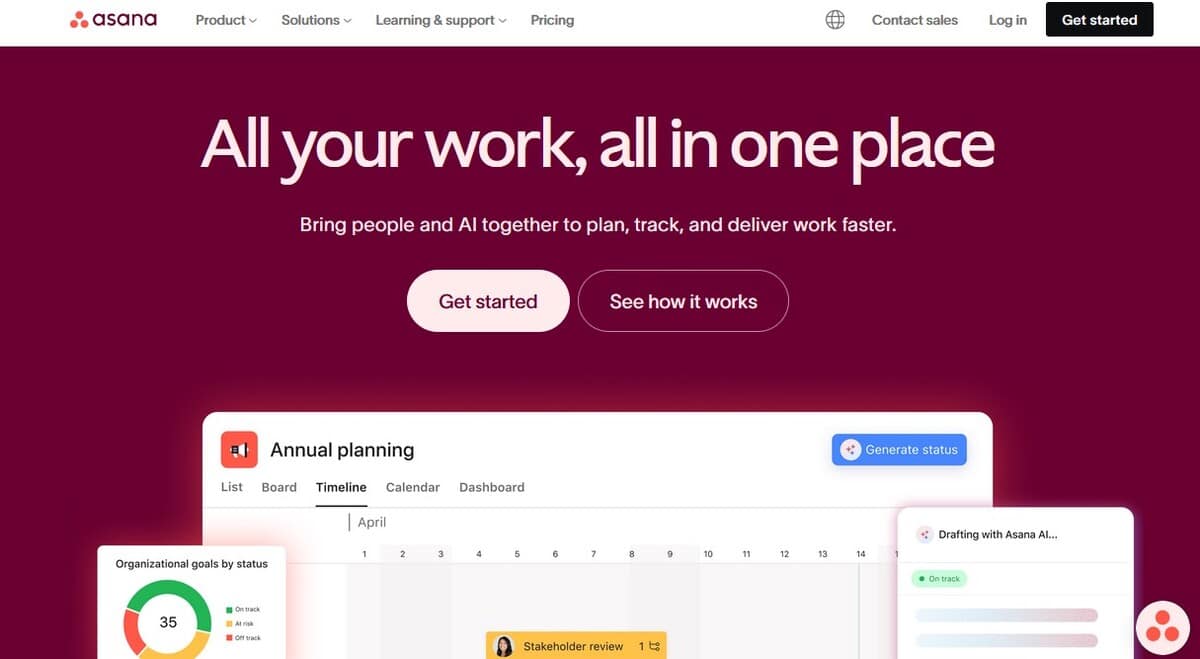
Asana is a perfect tool for any-sized team because of its comprehensive free plan, budget-friendly pricing, features for project briefing and getting approval, customizable views such as Kanban boards, task automation, built-in forms for quick data collecting, and free guest seats on premium subscriptions.
Asana’s free plan allows you to create unlimited tasks and projects for up to 15 team members. To get more features and feedback tools in Asana, you need to pay $10.99 per person monthly.
Monday.com
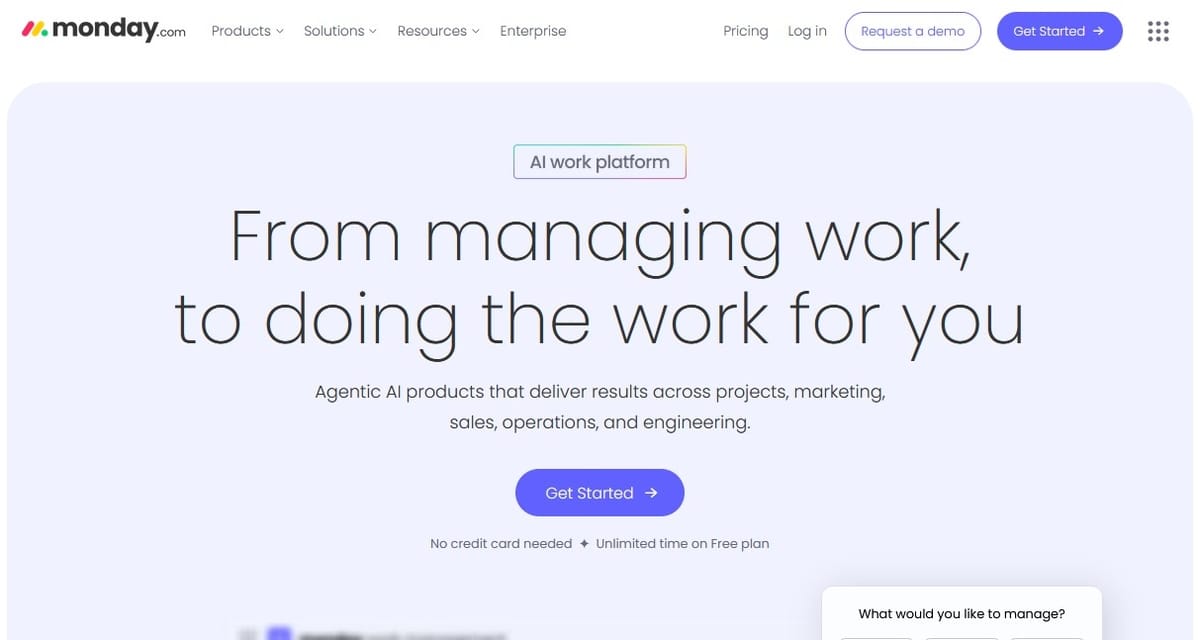
With ready-to-use templates, a workflow creator, 8 data visualization choices, automated job and sprint scheduling, and easy file sharing, Monday.com’s “Work OS” is a tool that professionals can use to handle every aspect of their projects.
Only two people can use Monday.com for free. Monday.com premium accounts allow more users, more disk space, more data-viewing options, and paid integrations. Users who want premium plans pay $9 per month.
Microsoft Teams
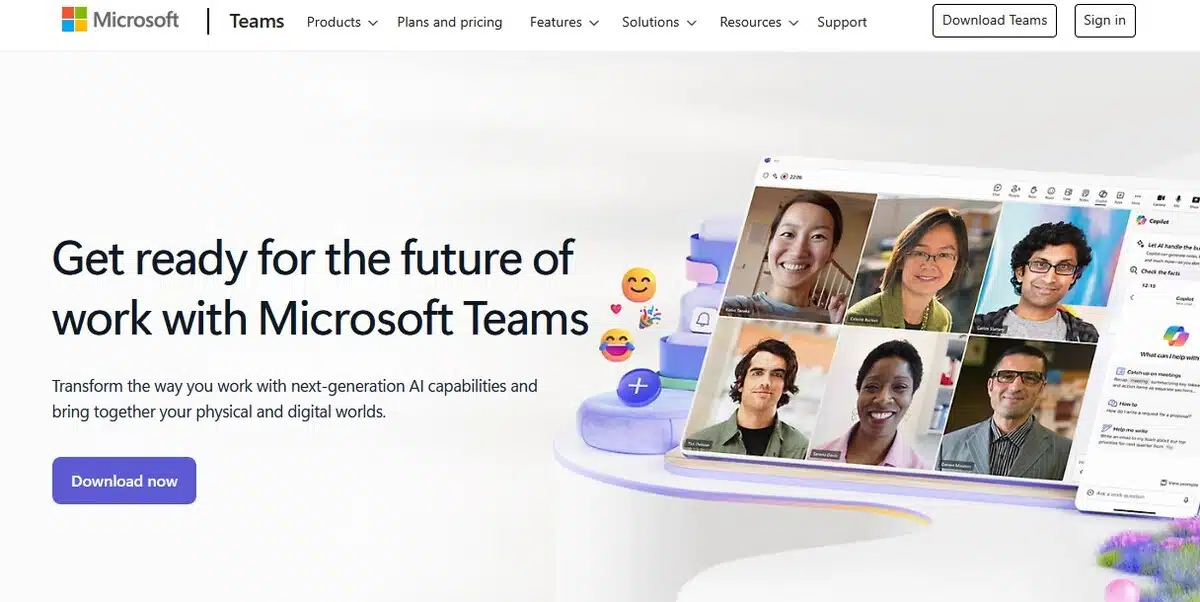
Microsoft Teams’ powerful text chat capabilities, easy interfaces with SharePoint, Word, Excel, PowerPoint, and Trello, in-app collaboration on Microsoft 365 documents, a shared digital whiteboard, corporate VoIP technologies like cloud voicemail, and dependable file sharing set it apart.
Start using Teams for free and get all the video features above. Paid Teams plans contain more features and cost $4–$12.50 per participant, per month.
Google Chat
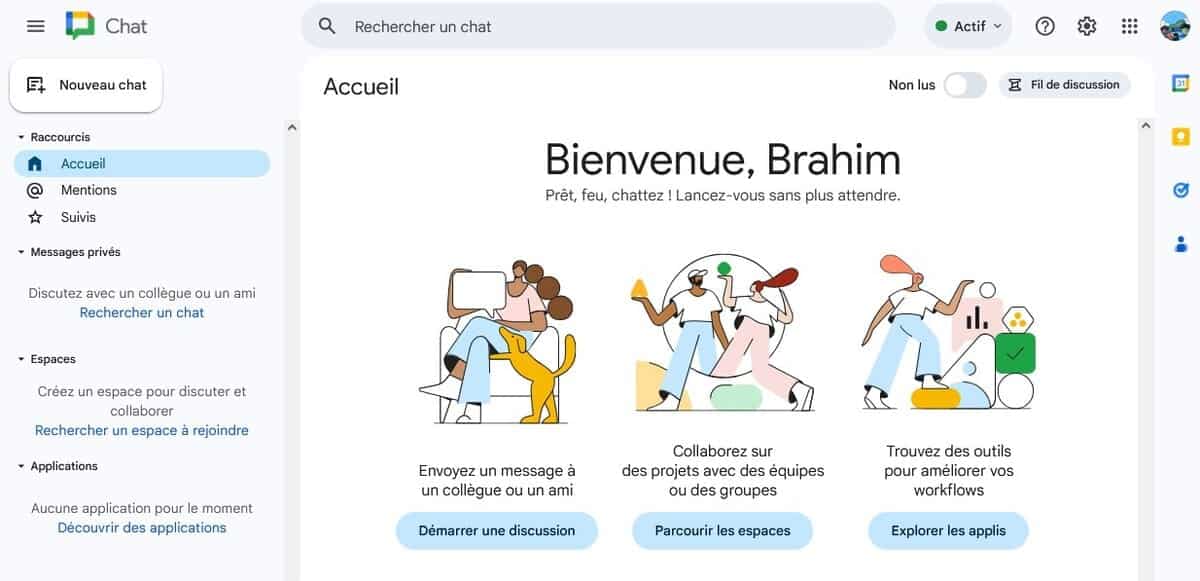
Google Chat can be used at no cost by any individual who has a personal Gmail account, and it comes as a package with Google Workspace for business users. Just like Slack, it allows users to have different chats for groups, topics, or projects. Also, it provides native integration with Google Workspace apps, support for corporate Gmail, proper conversation organization, access via browser or app, and both group and direct messaging.
Though the free version works well, it has some limitations. The paid version that is accessible via Google Workspace and starts at $7 per user per month comes with more features.
Everhour
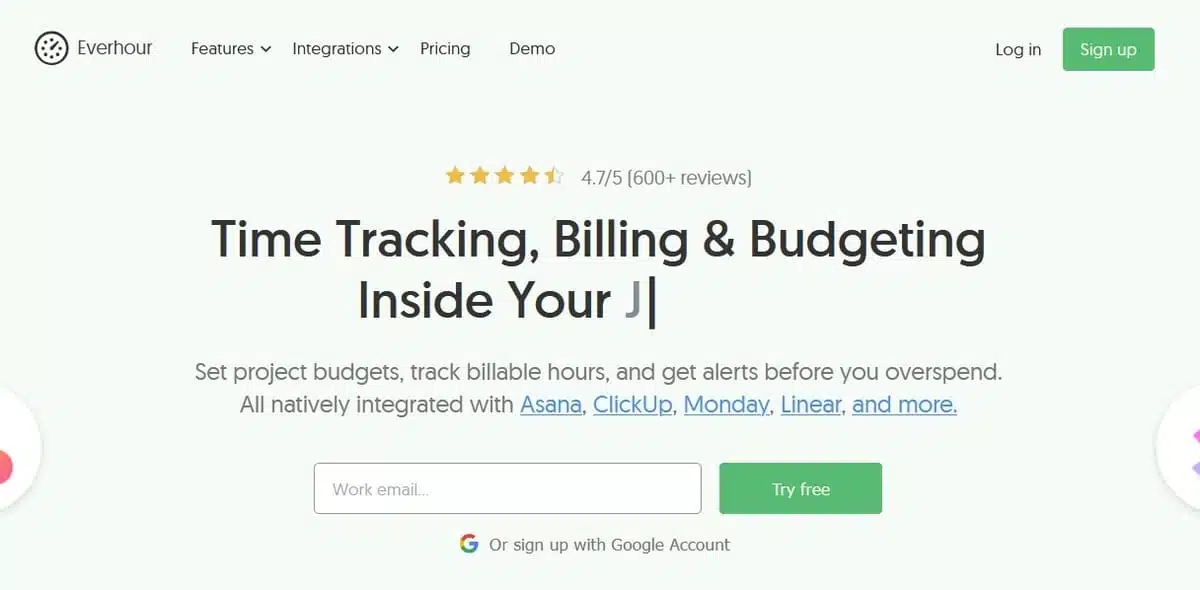
Everhour’s time tracking solution, available through web and app, is perfect for teams. The tool integrates seamlessly with the software teams use and love, including Asana, Trello, Basecamp, and Jira.
Moreover, Everhour is loaded with functionalities such as timesheet approvals, manual time entry, workload planning, change logs, and team reminders.
There is a free version of this tool, and paid plans are available, starting at $8.50 per month for unlimited users. At the same time, teams that require a more advanced integration, better time management, and focus can obtain a custom quote.
Evernote
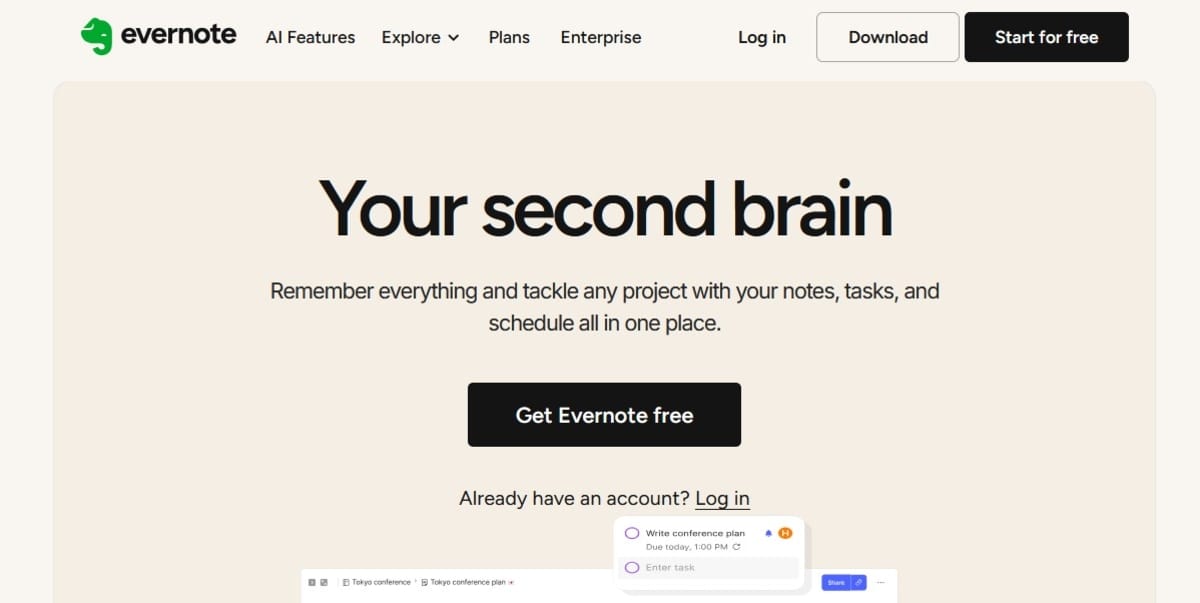
Evernote is a multimedia note-taking tool that doubles as a daily task manager and personal knowledge base, providing a user dashboard, calendar integrations, a web clipper, document scanning, and text or list documents.
The free plan with limited features is available for two devices. It is suitable for a single user, whereas the paid plans that begin at $129.99 per year offer more synced devices, bigger file uploads, offline access, personalized dashboards, and advanced collaboration features.
Zoom
Zoom became largely known to the public during the remote work period in 2020, and one of the main reasons was its interactive grid view, easy-to-use presentation tools, recording features, and free tier. Some of the main features are also the use of support files like Otter for transcription, breakout rooms, the in-built chat and reactions, and customizable backgrounds as well as screen sharing.
The free plan allows group meetings of up to 100 people for 40 minutes, and one-on-one calls can be up to 30 hours. On the other hand, paid plans, which start at $159.96 per year, provide additional features such as a larger meeting capacity, longer calls, cloud recording, HIPAA compliance, and so on.
Final Thoughts
It’s great to know that free productivity tools can be quite helpful, as can paid ones. Deciding which one to use depends on your goals; if you only need it for yourself and a couple of small tasks, then a free tool is okay, but if you need a long-term investment for professionals, businesses, and teams that require robust features, better security, and seamless collaboration, then go for a paid one.
In case productivity is the main factor that influences your income, output, or business performance, then paid tools are almost always the better choice.
However, if you are still building your workflow, working alone, and only need to use essential features, free options can take you quite far.
Finally, the best tools are not necessarily the most expensive ones, but rather those that enable you to work faster, smarter, and more effectively. Don’t forget to follow us on Facebook, X (Twitter), or LinkedIn for more productivity tips!
About Author: Jennysis Lajom has been a content writer for years. Her passion for digital marketing led her to a career in content writing, graphic design, editing, and social media marketing. She is also one of the resident SEO writers from Softvire, a leading IT distributor. Follow her at Softvire Global Market now!

CRM Marketing Automation in 2026: The Strategic Guide to Scaling Your Revenue
The Industrialization of Fraud: How to Stay Secure in a Deepfake World